Bobbin vs Pencil Spaces: Which Should I Choose?

If you’re a tutoring business running lessons online, you’ve probably spent plenty of time weighing up your options for planning, delivering, and reporting on your lessons week on week.
Two names worth comparing are Pencil Spaces and Bobbin, the new platform from the team behind TutorCruncher. The two platforms both provide online classrooms, with some key differences. Here’s a breakdown.
Bobbin and Pencil Spaces at a glance
While both tools are designed for tutoring businesses, they solve slightly different problems.
Pencil Spaces is an online classroom where tutors and students can meet, learn with the aid of an interactive whiteboard, and track attendance.
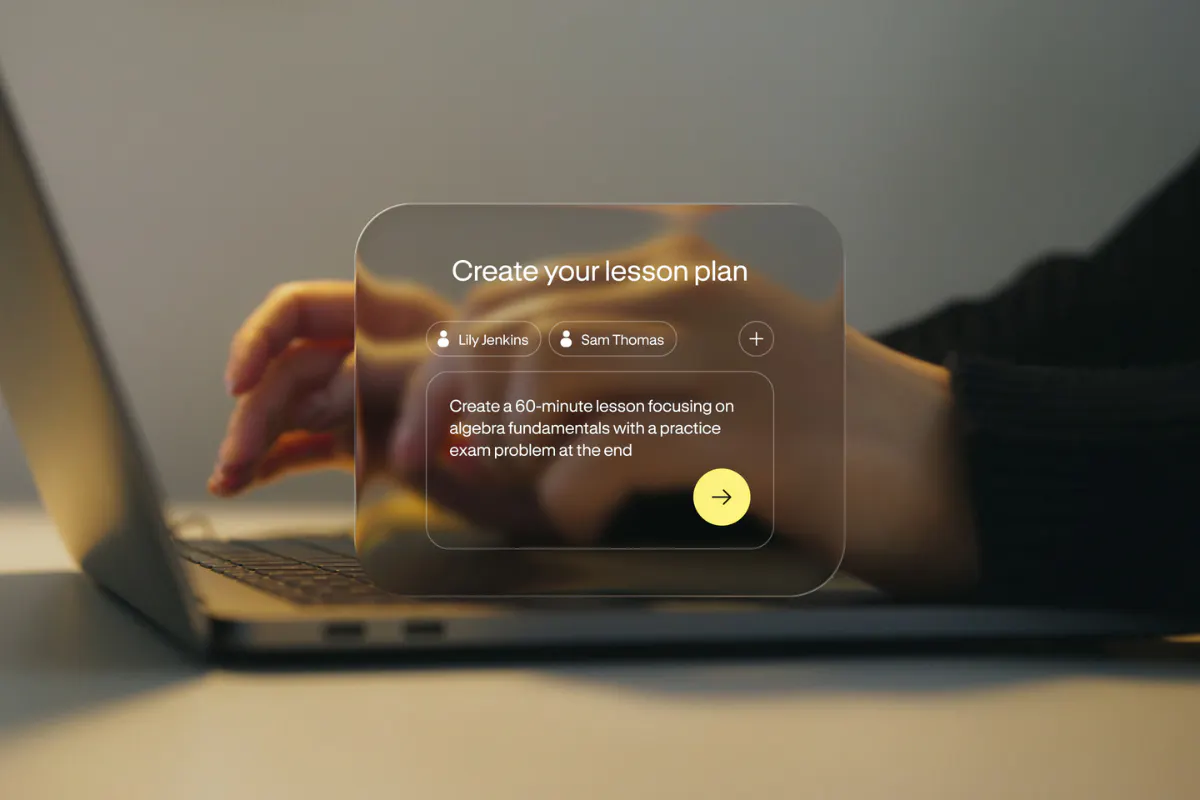
Bobbin is built for the whole teaching workflow. It brings together curriculum-based lesson planning, online and in-person delivery, and smart reporting. It uses AI to take admin off your plate and give you time to focus on what really matters: teaching great lessons.
Choosing between the two comes down to whether your biggest pain is delivering lessons online, or holding all the threads of teaching together from planning to progress.
Key features compared
Feature | Bobbin | Pencil Spaces |
AI lesson planning | ✅ Yes, curriculum-aligned plans in seconds | 🟠 Partial: summaries and autograding, not full plans |
Online whiteboard & video | ✅ Yes (via Lessonspace) | ✅ Yes, infinite whiteboard, HD video |
In-person lesson capture | ✅ Yes, records and transcribes | ❌ No, online-focused |
Automated parent reports | ✅ Yes, from session summaries | 🟠 Partial, automated lesson summaries |
Progress analytics | ✅ Yes, week-to-week, learning gaps | ✅ Yes, engagement analytics |
Engagement monitoring | ✅ Yes, via reporting | ✅ Yes, idle and tab-switch alerts |
What is Bobbin?
Bobbin is an AI-powered lesson management platform built by TutorCruncher, made specifically for tutors and tutoring companies. It holds the threads of your teaching together, so nothing gets lost between sessions.
It works in three parts:
- First, planning: tell Bobbin the subject, level, and exam board, and it generates a structured, editable lesson plan in seconds.
- Second, delivery: run the session in a built-in online classroom with an integrated whiteboard, or use the in-person app to record and transcribe what happened.
- Third, reporting: Bobbin turns each session into a clear, parent-ready progress report covering what was covered, how the student engaged, and where to focus next.
Add progress analytics that track performance week to week, and you have a full learning loop for every student. Early users report saving as much as 40 minutes of admin a day.
What is Pencil Spaces?
Pencil Spaces is a virtual classroom platform built for online tutoring and education. It focuses on online learning and offers a solid whiteboard experience for tutors teaching virtually.
The heart of it is a collaborative, infinite whiteboard paired with integrated video, chat, and screen sharing, so you can teach without juggling tabs. On top of that sit built-in apps and resources, scheduling and attendance, and engagement monitoring that alerts you when a student goes idle or switches away.
Pricing overview
Bobbin pricing
Bobbin pricing is calculated based on lesson hours, with every price plan including access to its planning and reporting tools.
- Starter: £79 ($109) /month, 80 lesson hours included
- Plus: £189 ($259) /month, 200 lesson hours included
- Pro: £289 ($389) /month, 320 lesson hours included
- Custom: 500+ hours with pricing tailored to your business
Book a demo with our team to find out more.
Pencil Spaces pricing
Pencil Spaces charges per session hour, with lessons priced at:
- Pro: $0.40 /hr or $4 /month
- Expert: $1.20 /hr or $12 /month
- Master: $5.00 /hr or $50 /month
- Scale: Plans for large teams start around $2,000/month
All plans have a minimum of 10 lessons per month.
Which should I choose?
If you're looking for just an online teaching space to run lessons in, Pencil Spaces is a strong fit. If you only run a handful of lessons per month, it’s pretty cost-effective, but users report issues when running lessons at scale.
If you want to cut the admin around every lesson, from planning to parent reports, and keep planning, delivery, and reporting in one connected thread, Bobbin is built for exactly that. It helps businesses to create high-quality, consistent lessons that clients love - and keep coming back for. Plus, for tutoring businesses already using TutorCruncher, Bobbin slots straight in.
Better lessons. Built with Bobbin.
FAQs
Is Bobbin a Pencil Spaces alternative?
Yes. Both tools help tutoring businesses run better online lessons, so Bobbin is a solid alternative if you're weighing up Pencil Spaces. The difference is scope. Pencil Spaces is built around the live virtual classroom, while Bobbin covers the whole lesson: planning it, delivering it online or in person, and turning it into a parent-ready report. If you want to cut admin across the full teaching cycle rather than only during the session, Bobbin is worth a look.
How much does Bobbin cost compared to Pencil Spaces?
The two are priced differently, so the best value depends on how you teach. Bobbin is billed monthly by lesson hours: £79/mo for 80 hours (Starter), £189/mo for 200 hours (Plus), and £289/mo for 320 hours (Pro), with custom pricing above 500 hours and extra hours at £1.00–£1.10. Pencil Spaces charges per session hour, from a free Starter plan up to Pro ($0.40/hour), Expert ($1.20/hour), and Master ($5.00/hour), each with a 10-hour minimum. You can try Bobbin free for 2 weeks, so you can test the fit before committing.