What’s the Best Online Whiteboard for Tutoring and Teaching?

Whether you’re a solo tutor starting an online tutoring business or a large company looking to offer online lessons at scale, investing in a quality online whiteboard is essential for delivering high-quality lessons.
In this guide, we break down the best-rated online whiteboards for teaching and learning. Looking at price, features and ease-of-use, we’re here to help you find the right fit for your business, so that you can focus on teaching and not worrying about tech.
What is an online whiteboard?
Online whiteboards are interactive online spaces where teachers and students can visualize learning in the same way you do in the classroom.
From showing slides, drawing equations, or creating more complex graphs, a good online whiteboard will have tools for every subject that you can use to enhance your online lessons.
Many also have features that help online tutors manage their learners too. Tools like emoji responses and chats mean students can engage in learning, and show you they’re engaged, without being distracted.
The top online whiteboards for tutoring
Best new whiteboard: Bobbin
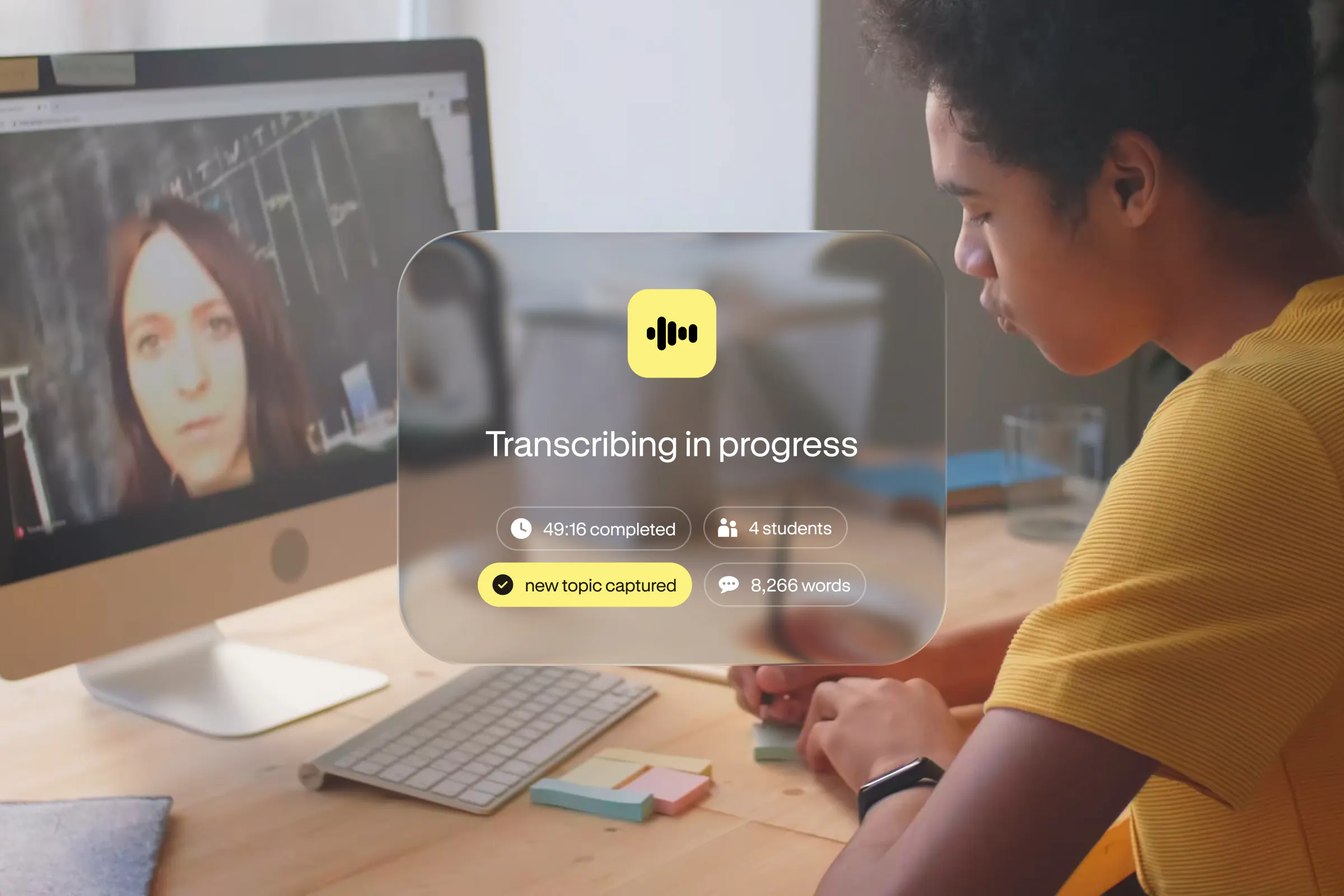
Bobbin is TutorCruncher's AI-powered lesson tool, featuring a full virtual classroom and integration with the Lessonspace whiteboard. This means lessons are delivered, recorded, and analyzed in one place with no extra setup.
Features:
- Collaborative whiteboard with an infinite canvas and subject-specific tools from graphing to a code lab.
- Access resources inside the whiteboard, save documents and save content in-between lessons.
- Switch between 4 distinct video layouts, chat with students, and see their engagement through hands-up and emoji reactions.
- Teacher controls let you lock the board, mute, and force students onto your view, then hand control back when it's their turn.
- Students join by clicking a link with no downloads or anything to install.
- On top of the classroom, Bobbin plans lessons, captures live notes, and creates detailed parent reports automatically.
Pricing: Prices start at £79 per month for 80 hours of lessons. Try our 2-week free trial before committing.
Best for: Tutoring businesses that want teaching and admin in one system rather than stitching tools together.
Bobbin is currently available for TutorCruncher customers and will launch to everyone on the 7th September 2026.
Web Whiteboard
Web Whiteboard is a free, deliberately simple online whiteboard powered by Miro, aimed at teachers who just want a shared canvas without the extras.
Features:
- A limitless canvas with a pen tool to focus students' attention, file uploads (images, PDFs, Google Drive docs, MS Office files), plus engagement extras like emojis and mind maps.
- Students don't need to create accounts; they jump straight in, and you can save and reuse boards across lessons.
- The catch: There's no built-in video or audio, and none of the subject-specific tooling (equation editor, graphing, code) that STEM tutoring relies on, so you'll be running your video call in a separate tool alongside it.
Pricing: Free. If you outgrow it, the site points you to Miro's paid tiers, which aren’t designed specifically for tutoring and teaching.
Best for: Tutors who already have video sorted and want to try a free canvas for lighter, collaborative sessions.
Pencil Spaces
Pencil Spaces is a strong standalone virtual classroom that unites video, whiteboards, and interactive tools in one tab.
Features:
- An infinite whiteboard where work stays in place as you move between screens, interactive resources (letter tiles, rulers, protractors, calculators), breakout rooms, and every student gets their own mouse, avoiding the "mouse wars" of shared control.
- It integrates with TutorCruncher’s tutoring management software.
Pricing: Starts from a free Basic plan scaling up to a $2,000 a month plan.
Best for: Independent tutors who want a purpose-built teaching canvas and don't need a full management system behind it.
Zoom online whiteboard
Believe it or not, Zoom does have its own whiteboard that’s a bolt-on to its video product. It’s really been designed for corporate teams, but can work for tutoring too.
Features:
- A collaborative whiteboard usable inside or outside a meeting, with the free plan capped at three whiteboards and 40-minute group meetings.
- It's fine for occasional use, but it lacks subject-specific tooling such as equation editors, graphing, and code that can really elevate your lessons.
- Content doesn't persist/save cleanly when you switch screens.
Pricing: Basic (free) includes three whiteboards; Whiteboard from $2.07/user/month, and Whiteboard Plus running $5.83/user/month.
Best for: Teams already using Zoom who need light support, not a dedicated classroom.

How do I choose an online whiteboard?
When deciding which whiteboard is right for you, there are a few things to think about:
1. What subject-specific tools do you need?
A generic whiteboard is fine for brainstorming, but teaching math or coding needs equation editors, graphing, and code support. This is where dedicated tools (Bobbin or Pencil Spaces) work better than Zoom.
2. Can you keep content in between lessons?
Can you and the student pick up exactly where you left off, and does content stay put when you switch screens? Bobbin and Lessonspace have a persistent board, making lessons feel continuous and saving you time at the start of every session.
3. What controls do I get as a teacher?
Locking the board, muting, and steering what students see keeps a lesson on track, especially with younger or larger groups. Not all tools offer this, but Bobbin and Lessonspace do, helping you keep your learners on the right page.
4. How easy is it for students?
You want students of all ages to be able to log in and join their lesson with ease. Making sure you choose a board that is free from complex installation processes and simple to join is important.
5. How does it fit the rest of my workflow?
A whiteboard that's completely separate to your scheduling, billing, and reporting means constant tool-switching. The biggest time saver is having delivery, recording, notes, and admin in one system, which is exactly the gap Bobbin is built to close. It connects easily to TutorCruncher’s management system and gives you way more than just a simple whiteboard.
There we have it: the top online whiteboards you need to know about for tutoring and teaching. Whether you are doing 1:1 lessons or bigger groups, there’s something for everyone!
Try Bobbin for yourself to see its integrated Lessonspace whiteboard in action. Start your free trial or book a demo with our team today!
FAQs
- Which whiteboard is best for STEM tutoring? For STEM subjects, look for a whiteboard with subject-specific tools, such as equation editors and graphing tools, since generic whiteboards don't handle technical content well. Both Bobbin and Pencil Spaces are top choices for this.
- What does Bobbin cost? Bobbin pricing starts at £79 per month for 80 hours of lessons and includes all AI features, as well as an integrated whiteboard and in-person lesson recording.
- Is there a free whiteboard option? Yes, Web Whiteboard (powered by Miro) is free and needs no sign-up, but it has no built-in video/audio or STEM-specific tools.